



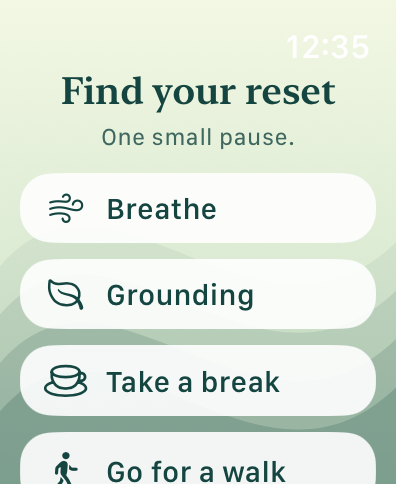
Find your reset
Breathing, grounding, a break, or a walk.
DECEMBER BETA · PLUS FEATURES FREE DURING TESTING
Take a Beat is designed to notice changes in your body and offer a moment to check in. You provide the context and choose what helps.
For US adults 18+ with a compatible paired phone and smartwatch.
Built as a regulation aid — not a diagnosis or emergency service.
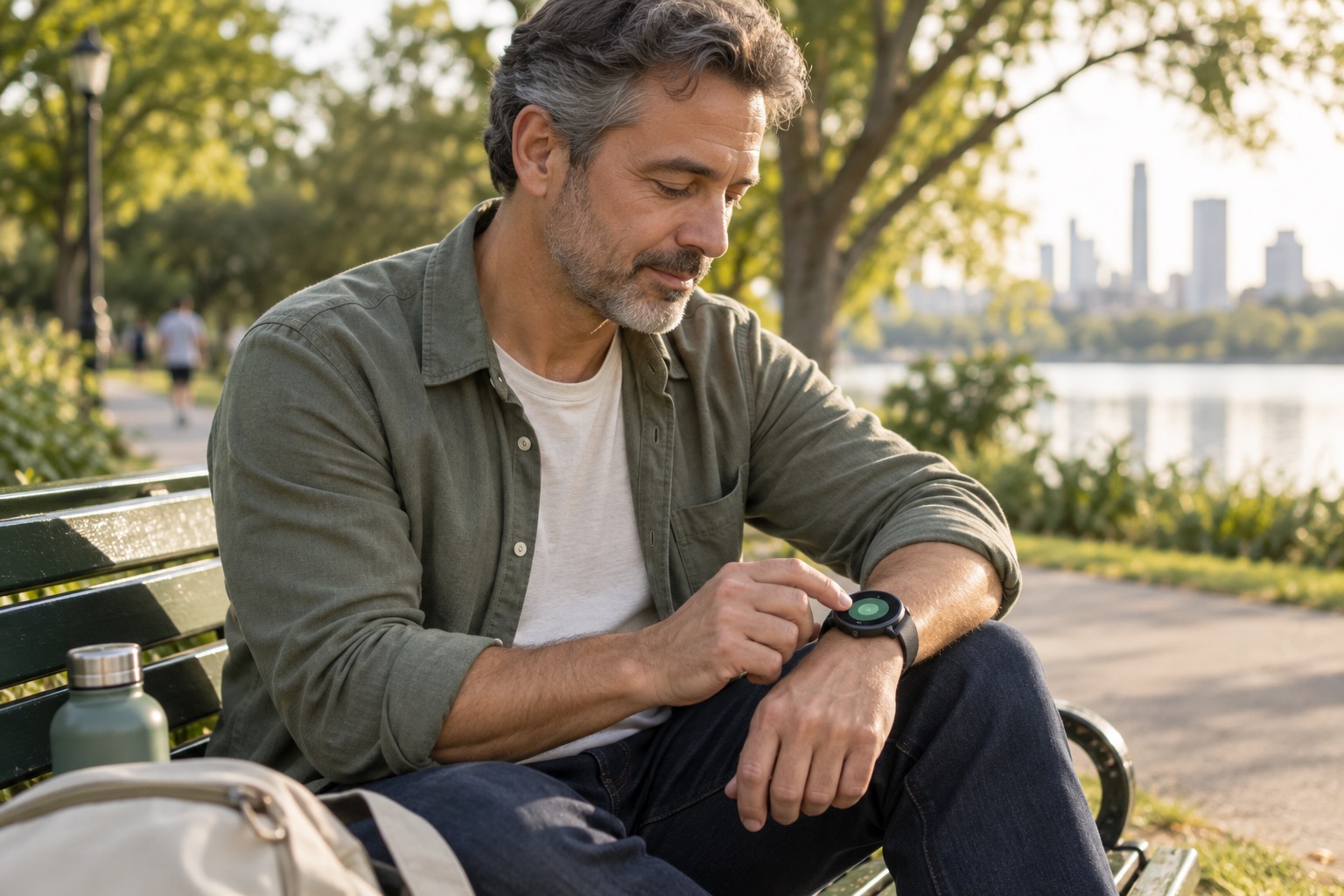
A check-in can fit into an ordinary moment in your day.
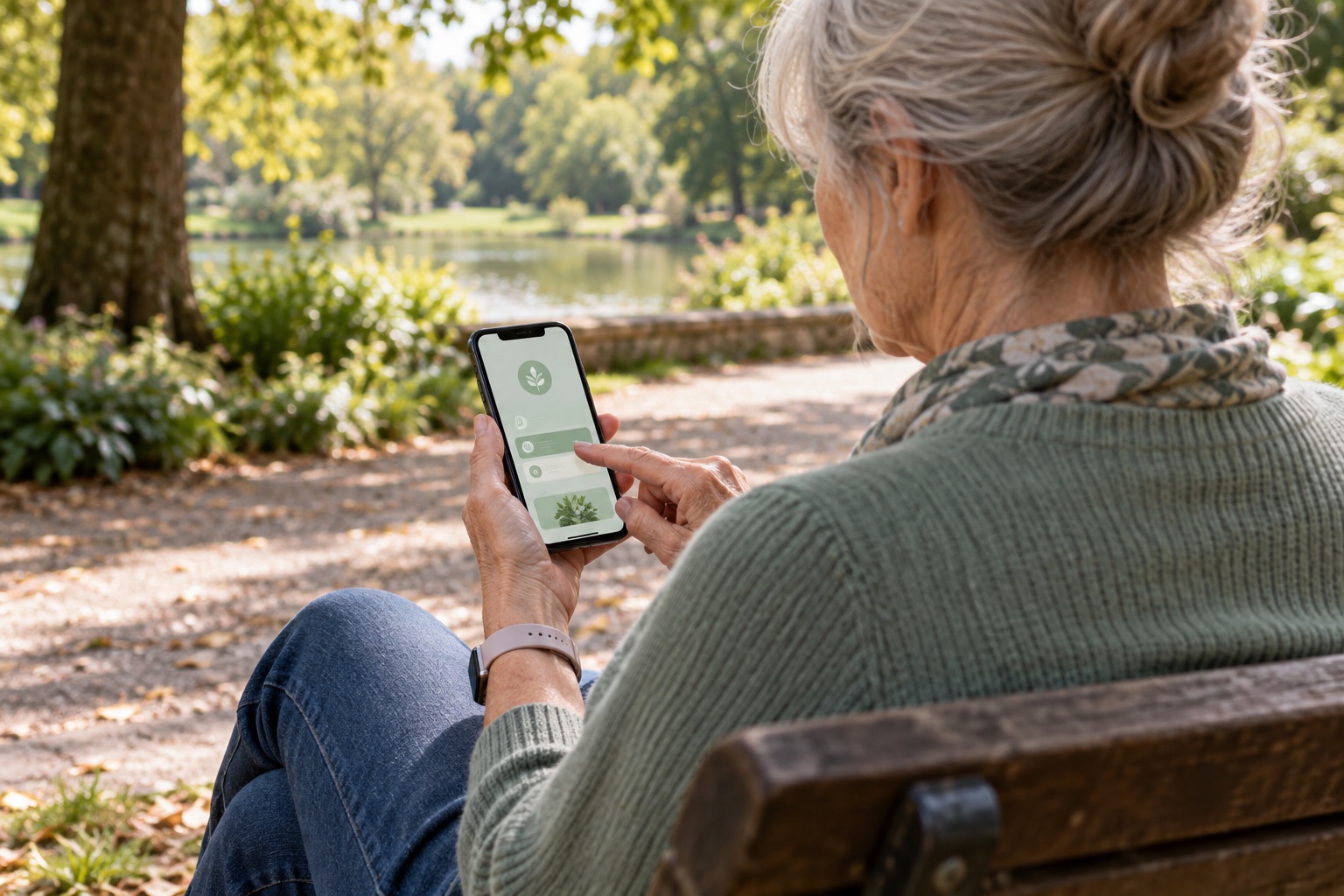
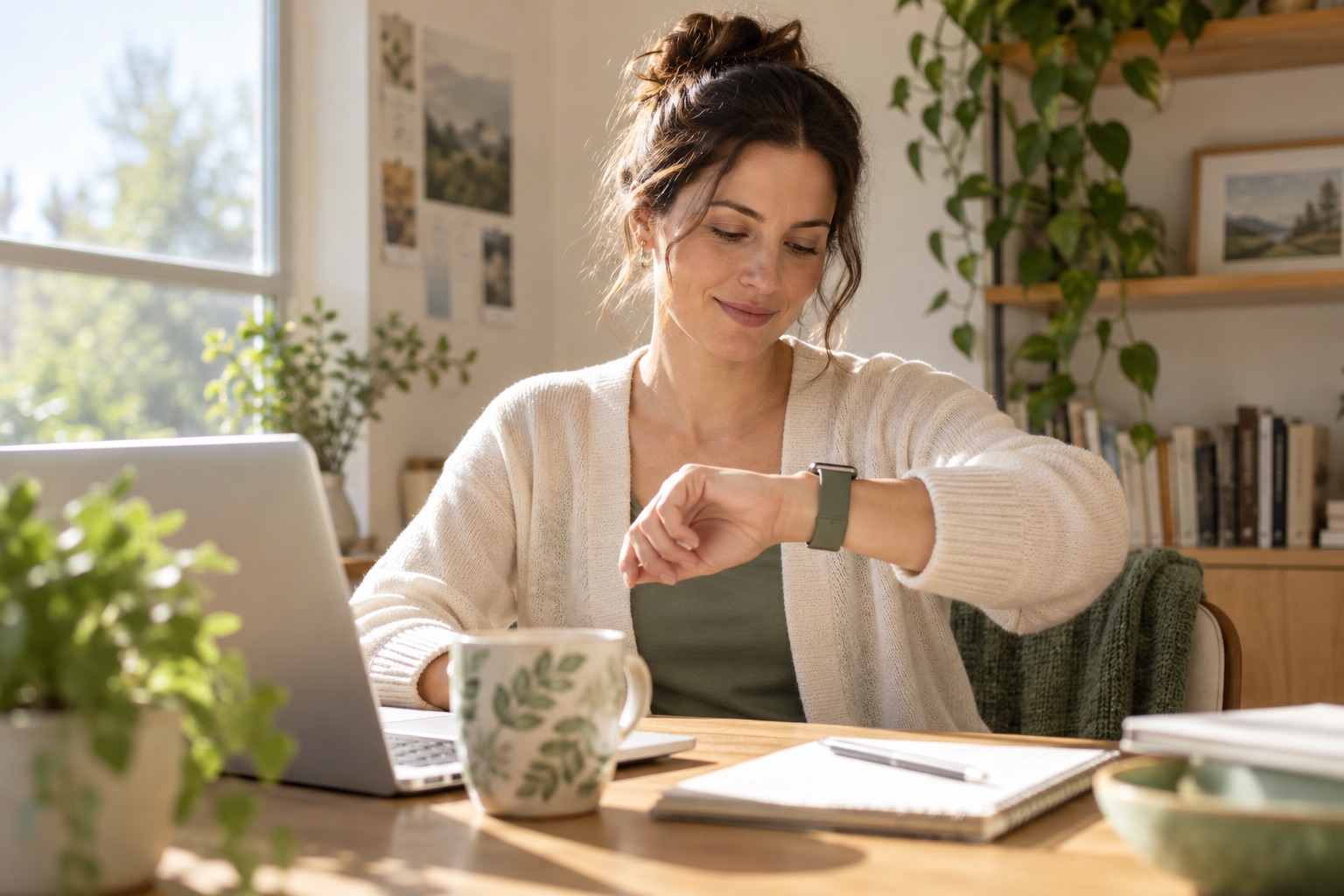
Illustrative lifestyle images. App appearance varies by device.
DECEMBER 1–31, 2026 · FREE PLUS ACCESS DURING BETA
Join the December 1–31 public beta and help us improve Take a Beat through everyday use. All beta testers receive free access to Plus features during beta. For US adults 18+ with a compatible iPhone and Apple Watch, or Android phone and Wear OS watch. Leave your email and device type. We’ll send installation instructions when enrollment opens and your device is supported.
Alert accuracy • Personal baseline learning • Battery life • Watch monitoring • Check-ins • Regulation tools
Apple Watch, Galaxy Watch, and other Wear OS users willing to give straightforward feedback about the experience.
Installation and setup tutorials: choose the Apple or Android folder and follow the videos in order.
During beta, use the in-app daily report to email your feedback. For bugs or setup help, email takeabeatapp@gmail.com with your device models, app version, and what happened. Apple testers can also use Send Beta Feedback in TestFlight. Please avoid sending sensitive health information.
SIGNUP RECEIVED
Thanks for signing up for the Take a Beat beta. We’ll email when a suitable beta is available, with installation instructions for your device.
No need to sign up again.
YOUR BODY CAN REACT BEFORE YOU REALIZE IT
Changes in heart rate, movement, available HRV readings and your personal baseline can be a useful signal that something is happening. When Take a Beat notices a meaningful change, it gives you a discreet opportunity to check in.
A MOMENT TO CHECK IN
You can say you’re okay, a little elevated, very elevated, or exercising. If something was missed, tell Take a Beat. Your feedback is part of how the experience becomes more personal.
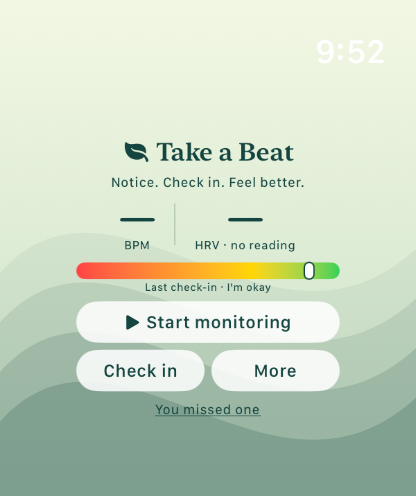
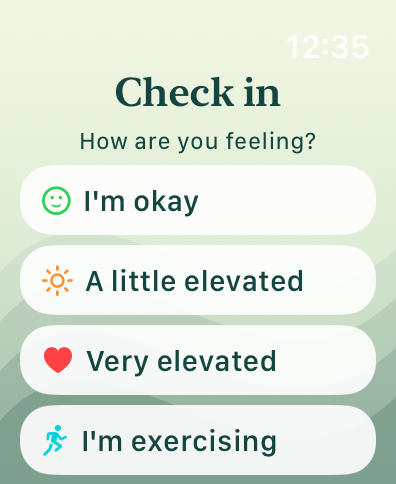
NOT ANOTHER GENERIC STRESS SCORE
Take a Beat is designed around your baseline and your feedback—not a one-size-fits-all number. Confirm useful alerts, add context, and flag missed moments to help personalize the experience over time.
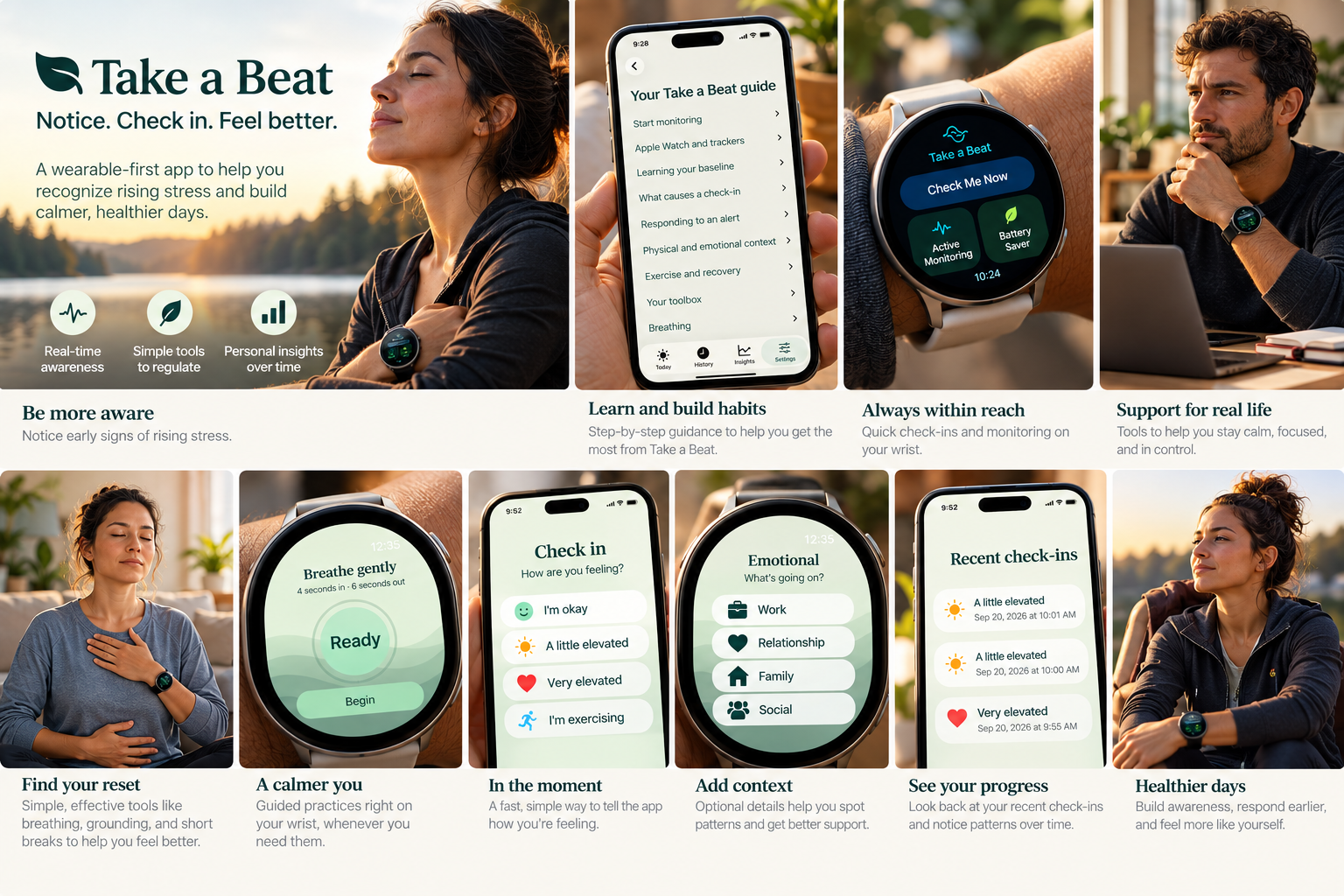
WHEN YOU NEED A RESET
No digging through your phone when you’re already overloaded. Choose a small action and get on with your day.
Breathing, grounding, a break, or a walk.
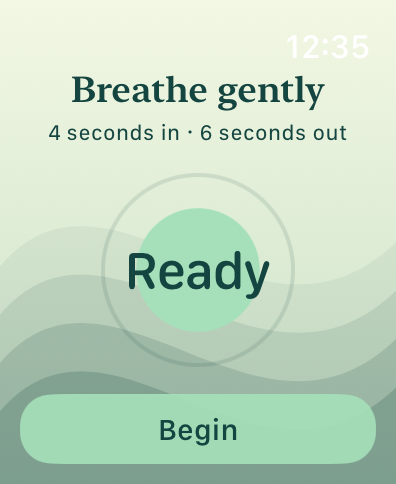
A simple paced breathing exercise when you want it.
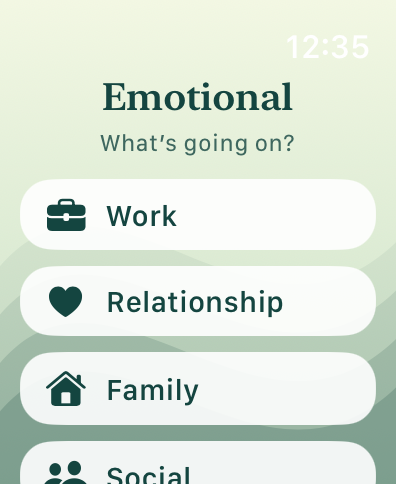
Capture what was going on without writing an essay.
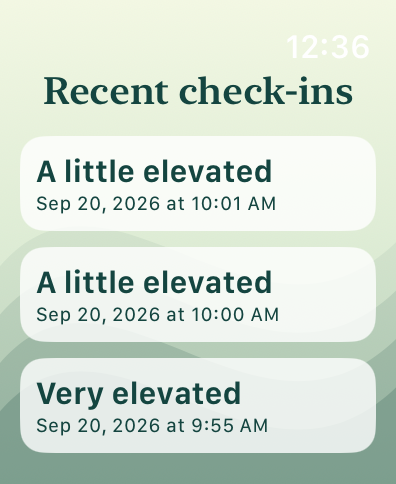
See recent check-ins and start noticing patterns.
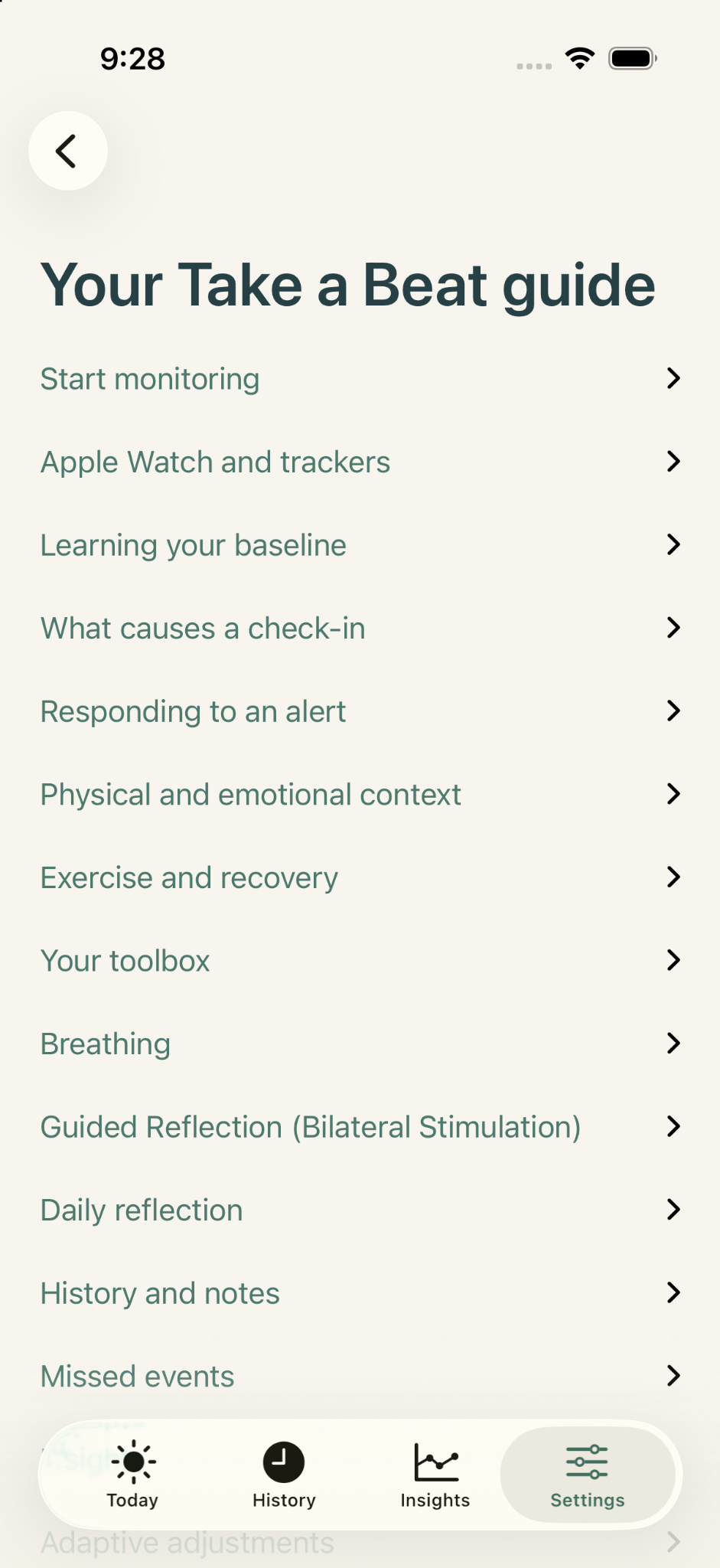
UNDERSTAND THE APP, NOT JUST THE ALERT
The in-app guide explains monitoring, baseline learning, alerts, physical and emotional context, exercise and recovery, breathing, reflection, history, and missed events.
Take a Beat is intentionally careful about the distinction between physiological signals and emotions. Your watch can notice a change. You decide what it means.
BEFORE YOU JOIN
Planned enrollment opens December 1 at 9:00 AM Mountain Time, subject to Apple and Google approval. This public beta is for United States residents aged 18 or older. Use an iPhone running iOS 17 or later with a compatible Apple Watch running watchOS 10 or later, or an Android phone running Android 11 or later with a compatible Galaxy Watch, Pixel Watch, or other Wear OS watch. Store compatibility determines which models can install the beta; features and available readings vary by watch.
Start monitoring deliberately and check its status on your watch. Apple Watch Active Monitoring uses more battery. Apple Watch Battery Saver relies on readings watchOS makes available, so updates and alerts can be delayed. Modes and sensor availability vary by platform; they do not provide equal alert coverage.
Try check-ins, Check Me Now, regulation tools, history, and monitoring in everyday use. Tell us about missed or unnecessary alerts, battery use, confusing screens, and connection problems. We’ll provide installation and feedback instructions with your invitation. Don’t deliberately cause distress to test the app.
Heart rate, movement, and optional supporting signals help identify changes relative to your baseline. HRV and temperature are not available on every watch. The app may miss changes or alert unnecessarily. You supply the physical or emotional context. It does not diagnose anxiety, anger, emotional states, or medical conditions, and is not treatment or emergency monitoring.
PRIVACY & SUPPORT
Beta signup: Keith keeps your signup details for future Take a Beat beta invitations until you opt out. Please don’t include sensitive health information. Web3Forms delivers your signup and IP address by email; GitHub Pages hosts this site. Metricool measures website visits using limited data such as IP address, viewed page, referrer and browser dimensions. Its website tracker does not use cookies or persistent visitor identifiers. It does not receive signup-field contents or app health records.
In the app: Health records are encrypted on your devices. Paired devices share check-ins and settings; journal writing stays on its device. You choose whether to export a report. Signup does not grant health access.
Help, opt out, or deletion: Email takeabeatapp@gmail.com. Signup details and local app records are separate.